


This post contains affiliate links. If you buy through them, I may earn a small commission at no extra cost to you.
Your call freezes at 10:14am. The audio keeps going, the video stops, and by the time it recovers you have missed the one question you were supposed to answer. You run a speed test and it says 400 Mbps, so the internet is “fine.” Then it happens again after lunch, in the same room, at the same time of day.
That pattern is almost never a slow internet plan. It is a distribution problem. The signal reaching your desk is weaker, noisier, or more congested than the signal reaching your phone when you stand next to the router. Video calls are the first thing to break because they need a steady upload stream, not just a big download number.
Below is how to confirm that your Wi-Fi, not your provider, is the problem, the free fixes worth trying first, and five mesh systems that solve it at different budgets. Ordered from cheapest to most serious.
The myth: more bars and a faster plan fix bad calls
Two beliefs cause most people to waste money here.
“My plan is fast, so my Wi-Fi must be fine.” A speed test on your phone next to the router measures the best case. It tells you nothing about the spare bedroom, the far side of the apartment, or the 4pm congestion window when three neighbors are also on channel 44.
“More bars means a better connection.” Signal strength is only one input. A strong signal on a congested channel still drops packets, and a repeater showing full bars can halve your throughput because it retransmits every packet on the same radio.
The truth is simpler. Calls drop when packets arrive late or not at all, and that happens for four reasons: distance and walls, channel congestion, too many devices competing for airtime, or a router that cannot handle the upload side of a call while the rest of the house streams.
How to know this fix is for you
Run these four checks before you spend anything.
- The dropout follows you around the house. If calls fail in the office but are solid in the living room, it is coverage, not the ISP.
- Speed test next to the router versus at your desk. A drop of more than 50 percent between the two spots means the signal is the bottleneck.
- It gets worse in the evening. Congestion from neighbors and from your own household devices points to airtime, which mesh handles better than a single router.
- Uploads stall while downloads look fine. Backups, screen shares, and cloud sync all fight for the same upstream airtime.
Before buying hardware, try the free fixes. Move the router off the floor, out of a cabinet, and away from the microwave and any metal shelving. Switch your laptop to the 5GHz band. Run an Ethernet cable to your desk if the room allows it, because a cable beats every wireless product on this page. Turn on your router’s QoS or “call prioritization” setting. Then test a wired connection directly to the modem for a full day: if calls still drop on a cable, the problem is your provider and no mesh system will fix it.
If the drops only happen at your desk and the desk itself is the mess, the cramped desk setup guide covers the physical side of that problem.
Quick comparison
| Product | Fixes | Price Range | Rating | Buy |
|---|---|---|---|---|
| TP-Link Deco X15 (3-pack) | Dead zones in a small home | about $140 | 4.4 / 5 | Check price |
| TP-Link Deco XE75 (2-pack) | No Ethernet between rooms | about $230 | 4.4 / 5 | Check price |
| TP-Link Deco X55 (3-pack) | Crowded homes, many devices | about $280 | 4.4 / 5 | Check price |
| Amazon eero 6+ (4-pack) | Setup you never have to touch again | about $300 | 4.4 / 5 | Check price |
| TP-Link Deco BE63 (3-pack) | Gigabit-plus fiber and Wi-Fi 7 devices | about $490 | 4.3 / 5 | Check price |
1. TP-Link Deco X15 (3-pack), the honest budget fix
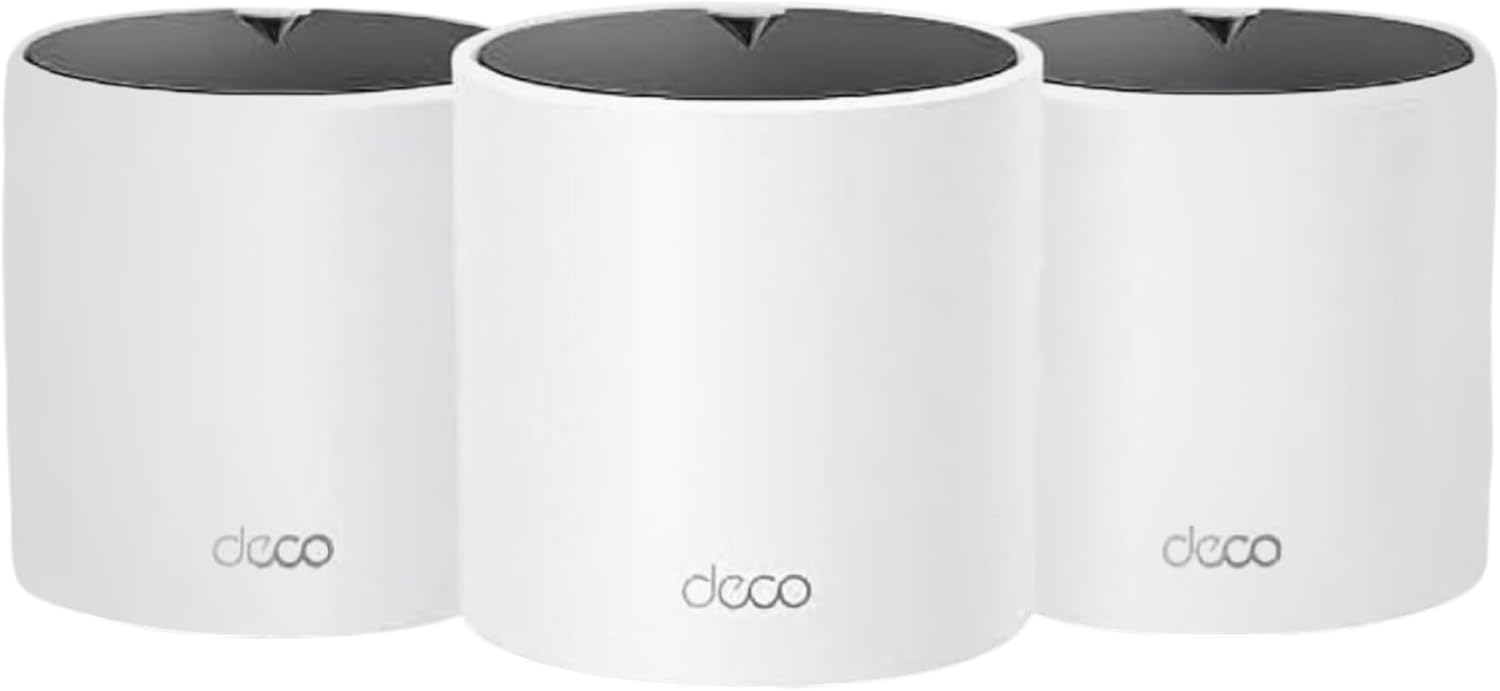
Three small white units that replace your router and talk to each other. This is the pick for a one or two bedroom place where the dropouts are caused by distance: router in the hallway, desk in the far bedroom, one wall too many in between. Two units near the problem rooms and one at the modem usually removes the dead spot entirely.
It is Wi-Fi 6 at AX1500, which is honest entry-level. That is plenty for a 300 to 500 Mbps plan and normal work traffic, and it is not the right buy if you have gigabit fiber or a house full of 4K streams.
Pros
- Cheapest way to get real mesh roaming instead of a repeater
- Three units cover most apartments and small houses
- Same Deco app and controls as the more expensive models
Cons
- Dual-band only, so wireless backhaul eats into throughput
- No 6GHz band and modest top speed
Verdict: If your problem is a room the router cannot reach and your plan is under 500 Mbps, start here and stop.
2. TP-Link Deco XE75 (2-pack), the fix when you cannot run a cable
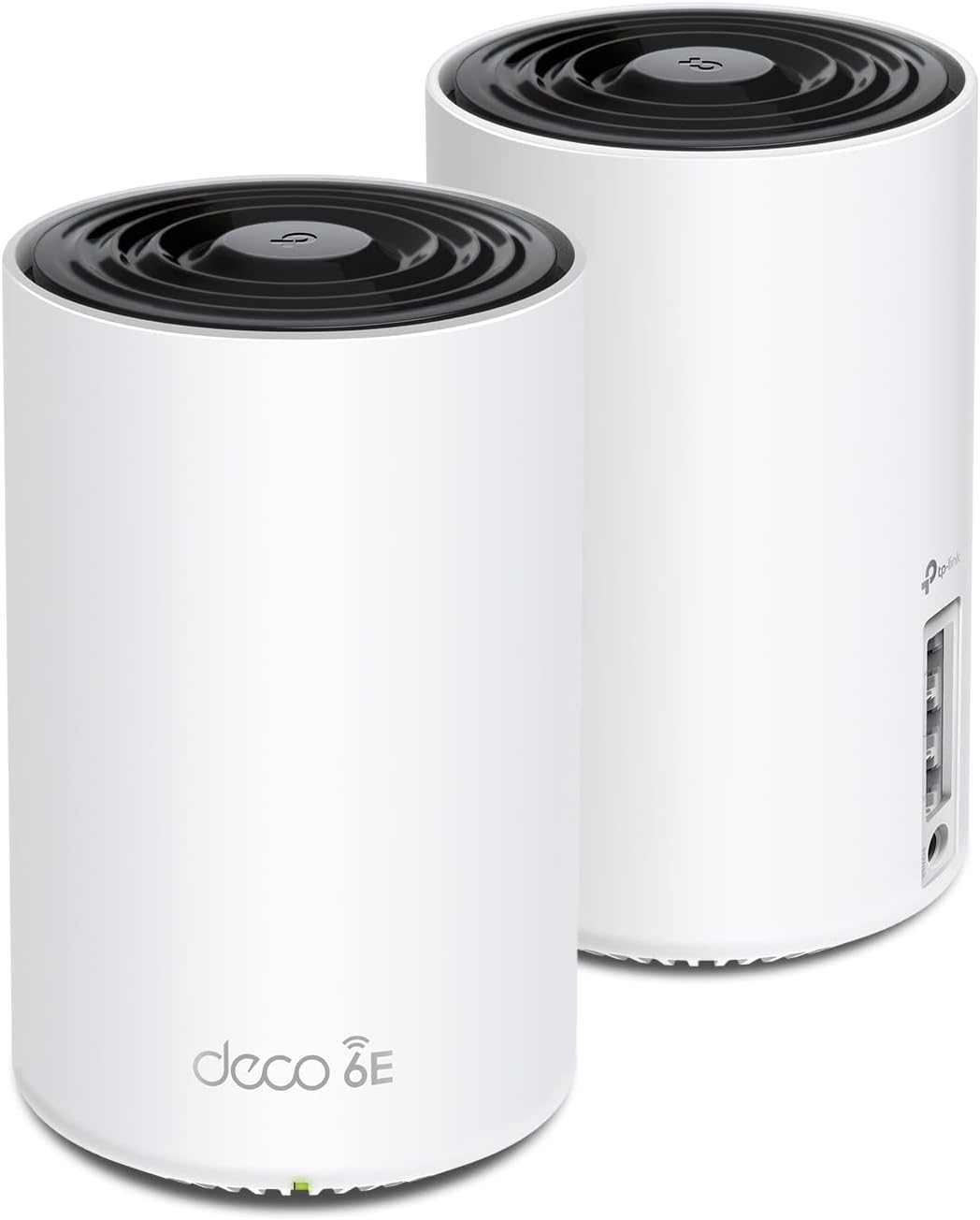
Here is the detail most mesh reviews skip. On a dual-band system, the two units usually talk to each other over the same radios your laptop uses. Every packet crosses the air twice, so a satellite in the back room can deliver half the speed the main unit gets.
The XE75 solves that with a third radio on the 6GHz band used as a dedicated backhaul. It matters most in a rental or an old house where you cannot drill and run Ethernet. Your laptop stays on 5GHz while the two nodes talk on a channel nothing else is using.
Pros
- Dedicated 6GHz backhaul keeps satellite speeds usable
- Tri-band AXE5400 handles a work laptop plus household traffic
- Two units are often enough for a two floor home
Cons
- 6GHz range is short, so placement matters more
- Only worth it if your devices support Wi-Fi 6E to benefit fully
Verdict: The best fix for dropouts in a room you cannot wire, and the pick most people with a mid-size home should actually buy.
3. TP-Link Deco X55 (3-pack), the default for a busy household

If your calls drop because the network is saturated rather than distant, this is the middle ground. AX3000 across three units, gigabit ports on each, and the largest install base of anything on this list, which means the firmware is mature and problems are well documented.
The practical advantage is flexibility. Put one unit at the modem, one at your desk, one upstairs, and wire the desk unit with a cheap Ethernet cable if the room allows. Deco switches to wired backhaul automatically and you get near full speed at the far end.
Pros
- Three units with wired backhaul support on every node
- Handles 50 plus devices without airtime collapse
- Easy to expand later with another Deco unit
Cons
- Dual-band, so fully wireless backhaul still costs speed
- Advanced settings are limited compared with a standalone router
Verdict: The safe default if you want Wi-Fi 6 coverage for a family and a home office without paying for 6GHz.
4. Amazon eero 6+ (4-pack), the fix for a network nobody wants to manage

Four units, one app, about ten minutes of setup. If your calls drop because the router was configured by an ISP installer five years ago and nobody has touched it since, eero removes that variable. It updates itself, roams properly, and never asks you to think about channels.
Four units also suits a long apartment or a house with a detached office, garage, or basement room where a two pack leaves a gap. The trade-off is control: fewer advanced options than Deco, and some features sit behind a subscription.
Pros
- Simplest setup of anything here, genuinely set and forget
- Four units for awkward layouts and outbuildings
- Reliable roaming and automatic updates
Cons
- Limited advanced controls and no per-app QoS tuning
- Extra features require an eero subscription
Verdict: Buy this if you want the problem gone and you never want to open a router settings page again.
5. TP-Link Deco BE63 (3-pack), the premium fix for gigabit fiber

Wi-Fi 7, tri-band, BE10000, with 2.5 gigabit ports. This exists for one specific reader: you pay for a 1 Gbps or faster fiber plan, your speed test at the router shows it, and your laptop still stutters on calls. At that point the bottleneck is airtime and port speed, and older mesh hardware cannot pass through what you are paying for.
Be honest with yourself here. On a 300 Mbps cable plan, this changes nothing about your call quality. The extra money buys headroom for multi-gig fiber, many devices, and future laptops, not a stronger signal through a brick wall.
Pros
- 2.5G ports so a fast plan actually reaches your desk
- Wi-Fi 7 tri-band with plenty of capacity for dense households
- Same Deco app, so upgrading later is painless
Cons
- Expensive, and most people will not use the bandwidth
- Wi-Fi 7 benefits need Wi-Fi 7 client devices to show up
Verdict: Worth it only if you already pay for multi-gig internet and can see the speed at the router but not at your desk.
How to pick the right fix
Match the hardware to the severity of the problem, not to the spec sheet.
Backhaul first. If you can run one Ethernet cable from the modem to your desk, do that before buying anything. If you cannot, a tri-band system with a dedicated backhaul radio is the next best thing. Dual-band mesh over a wireless link is still better than a repeater, but it is the weakest of the three options.
Match the Wi-Fi generation to your plan. Under 500 Mbps, Wi-Fi 6 AX1500 or AX3000 is enough. Gigabit fiber, look for 2.5G ports. Buying Wi-Fi 7 on a slow plan is paying for a road with no traffic.
Count units by rooms, not by square footage. Marketing coverage numbers assume open space and no walls. One unit per 1,500 to 2,000 square feet and one per floor is a more realistic starting point, and it is better to buy one extra node than to fight a dead spot for a year.
Check the app you will actually use. Device prioritization and a real QoS setting matter more day to day than top speed. All five picks have usable apps, but Deco exposes more than eero.
FAQ
Why do calls drop when downloads are fast?
Video calls depend on a steady upload and low latency. A download speed test can look excellent while the upstream airtime is saturated by backups, cloud sync, or someone else streaming. That is why calls break first.
Will a mesh system fix slow internet?
No. If a wired test at the modem shows less than what you pay for, the problem is your provider or your plan. Mesh fixes coverage and congestion inside the house, not the line coming in.
Do I need Wi-Fi 7?
Almost certainly not in 2026 unless you already have multi-gig fiber and Wi-Fi 7 devices. Wi-Fi 6 hardware handles normal work traffic comfortably and costs far less.
Can I keep my ISP router and add a mesh system?
Yes, but put the ISP box in bridge mode or modem-only mode first. Running two routers back to back creates double NAT, which causes exactly the kind of random call and VPN failures you are trying to fix.
How many units do I need?
Start with two for an apartment, three for a two floor home, and four if you have a detached room or thick interior walls. Place them no more than two rooms apart, and never inside a cabinet.
Final thoughts
Do this in order. First, move the router and run one wired test to your desk, because that costs nothing and rules out your provider. Second, if the dropout follows you around the house, buy the cheapest system that matches your plan, which for most people is the Deco X55 or the XE75 if you cannot wire. Third, only pay for the BE63 if you can already prove the speed reaches the router and stops there.
Once the network stops dropping, the next bottleneck is usually everything else competing for your attention. The guide to cutting distractions with smart home gadgets covers the settings that quiet the noise while you work.
About The Author


